
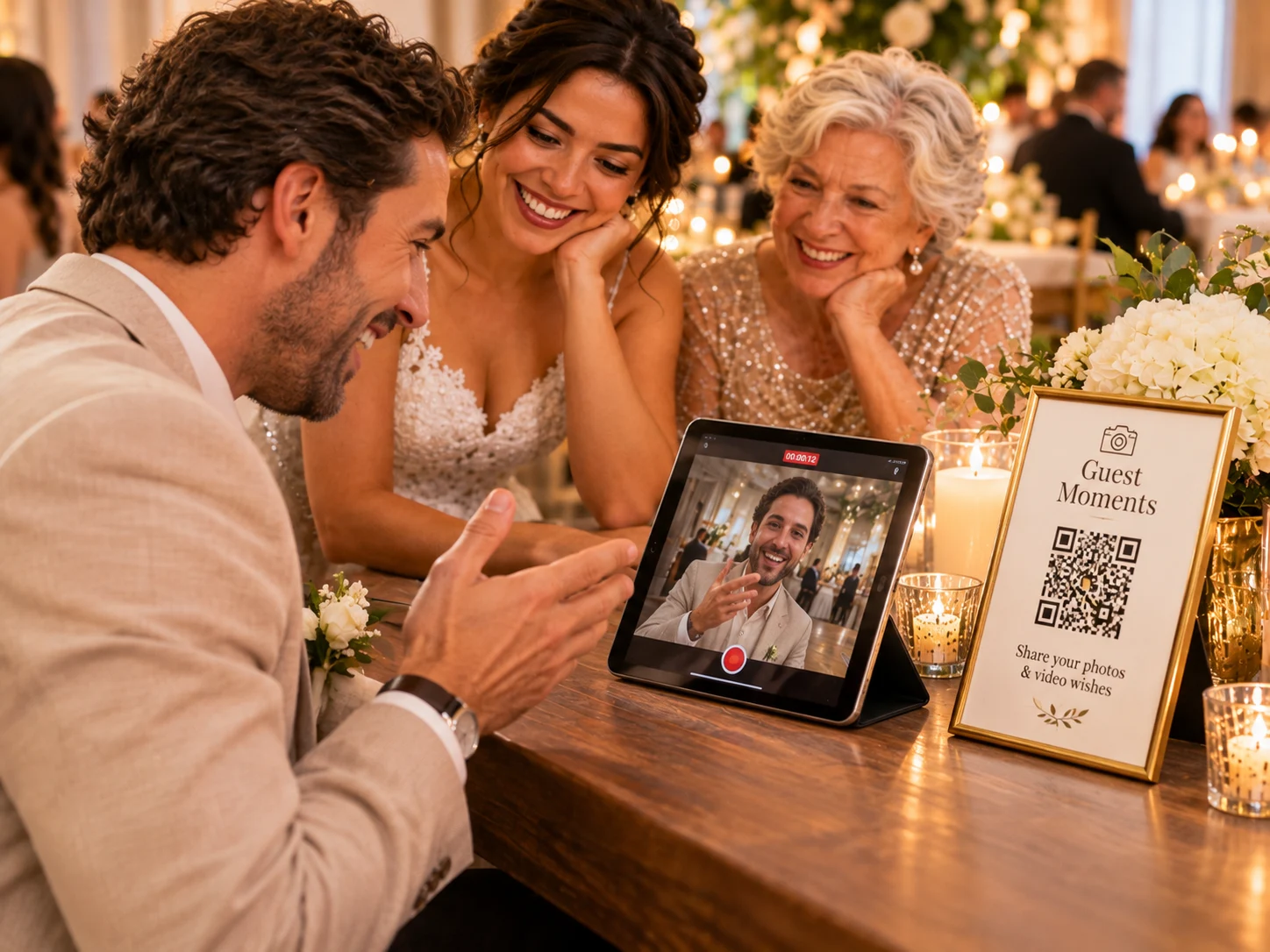
A digital wedding guestbook can take several forms: a shared photo gallery, a place for written wishes, a collection of video messages, or a combination. The right choice depends on how your guests like to participate and what you want to revisit later.
A digital wedding guestbook can begin with a shared photo gallery
Guest photos show table conversations, family reactions, and small details that hosts may not see in the moment. A gallery is a natural choice when you want guests to contribute images from their phones.
A QR code or link can make the gallery easy to open. Give guests a short prompt so they know whether you want candid photos, group pictures, or scenes from the whole weekend.
Written wishes are personal and easy to revisit
A written message can be thoughtful, funny, or practical. A physical book has a keepsake quality, while a digital message can be easier to collect from guests who cannot attend in person.
If you choose a written format, place it where guests have time to pause. A prompt such as “What should we remember about today?” can help people get started without making the message feel scripted.
Video messages preserve voices and expressions
A video guestbook adds tone and movement to a message. It can work especially well for loved ones who have advice or a story to share. Keep the recording prompt short and offer a quiet corner so guests do not feel rushed.
Decide whether video is a separate station or part of a broader gallery. Check clip limits, file handling, and how you will download the finished messages before the event.
You can combine formats without overloading guests
- Choose one primary way to contribute and make any second option clearly optional.
- Use separate signs if the actions have different destinations.
- Let guests know who will be able to view the photos or messages.
- Keep the instructions short and offer a non-digital option for guests who prefer it.
Choose based on the memories you want to keep
If your priority is seeing the celebration through guests’ eyes, start with a shared photo gallery. If you most want personal messages, add a written or video guestbook. You do not need to add every format to make the experience meaningful.
For a practical collection plan, read how to collect wedding photos from your guests. For video prompts, see questions for a wedding video guestbook.