
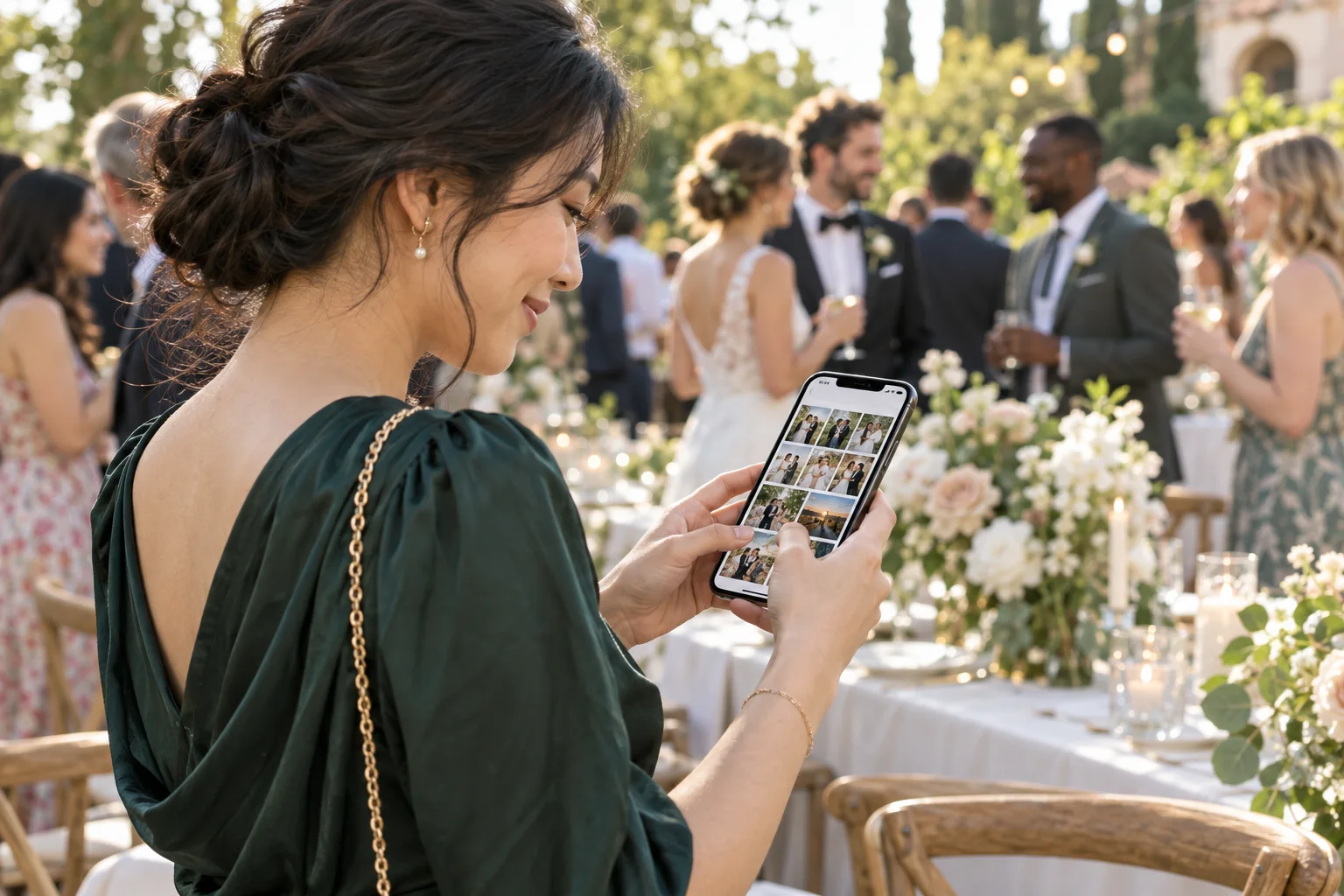
Wedding photo sharing without an app can be easier for guests who do not want another download or account. The key is to check the complete experience: a QR code should lead to a mobile page where guests can understand what to do next.
Check wedding photo sharing without an app from start to finish
Open the guest link on a phone that is not signed in to the organizer’s account. See whether it asks for an app, account, password, or extra permissions before a guest can add a photo.
A short path is easier to explain on a small sign. Guests should be able to scan, understand the page, select their photos, and see confirmation that the upload completed.
Test on more than one kind of phone
- Try both iPhone and Android browsers if they are common among your guests.
- Check that image selection opens the expected photo library.
- Test a large photo and a short video if video uploads are part of the plan.
- Confirm the page remains usable on a weak venue connection.
Understand privacy and access
Ask who can view uploads, whether the guest page can be forwarded, and how the hosts control the gallery. The easiest guest flow still needs a privacy setting that fits the event.
Tell guests what will happen to their uploads. If you plan to share the gallery beyond the guest list, explain that clearly before the event.
Look at the host side too
The host should be able to find, review, and save the collection without asking every guest to send the same photo again. Check how downloads work and whether you can keep a backup after the event.
Also confirm any limits, retention period, and price before you print the QR code. A free trial or demo can help you test the experience with someone who is not involved in setup.
Make your sign answer the first question
If the page works in a browser, say “No app needed” on the sign. Add one action phrase such as “Scan to share your photos,” then leave enough room around the QR code to scan easily.
For ready-to-use copy, see wedding photo QR sign wording. For the full planning sequence, read how to collect wedding photos from guests.